
For: Hostel manager, Housemaster, Matron, Residential supervisor
Boarding staff
Houses and beds, the night roll call, exeats, visitors and incidents — for the hostel manager, housemasters, matrons and residential supervisors.
The boarding house at a glance
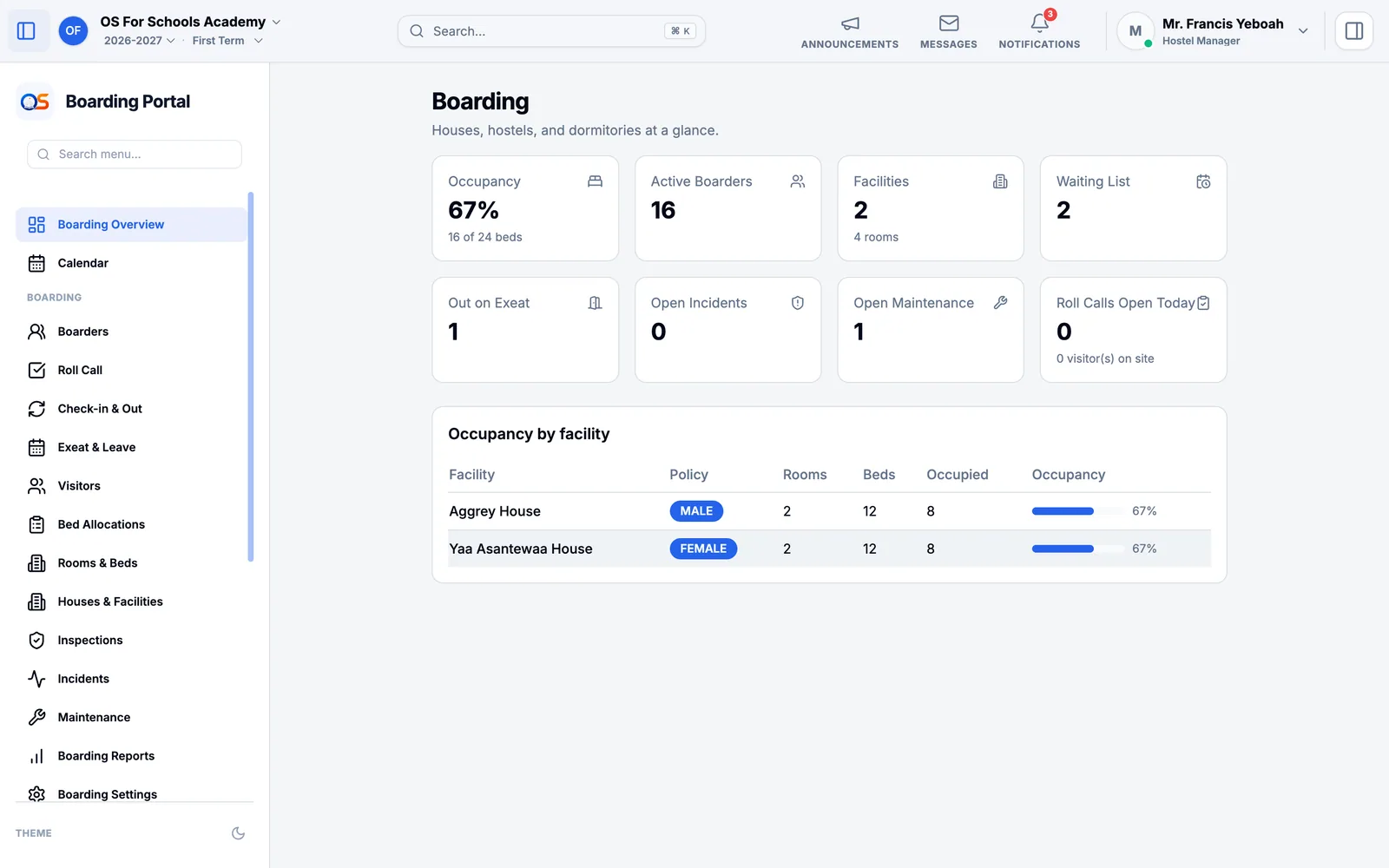
Boarding Overview shows how full each house is, how many boarders there are, who is out on exeat, and open incidents and repairs. A housemaster or matron sees their own house; the hostel manager sees them all.
The night roll call
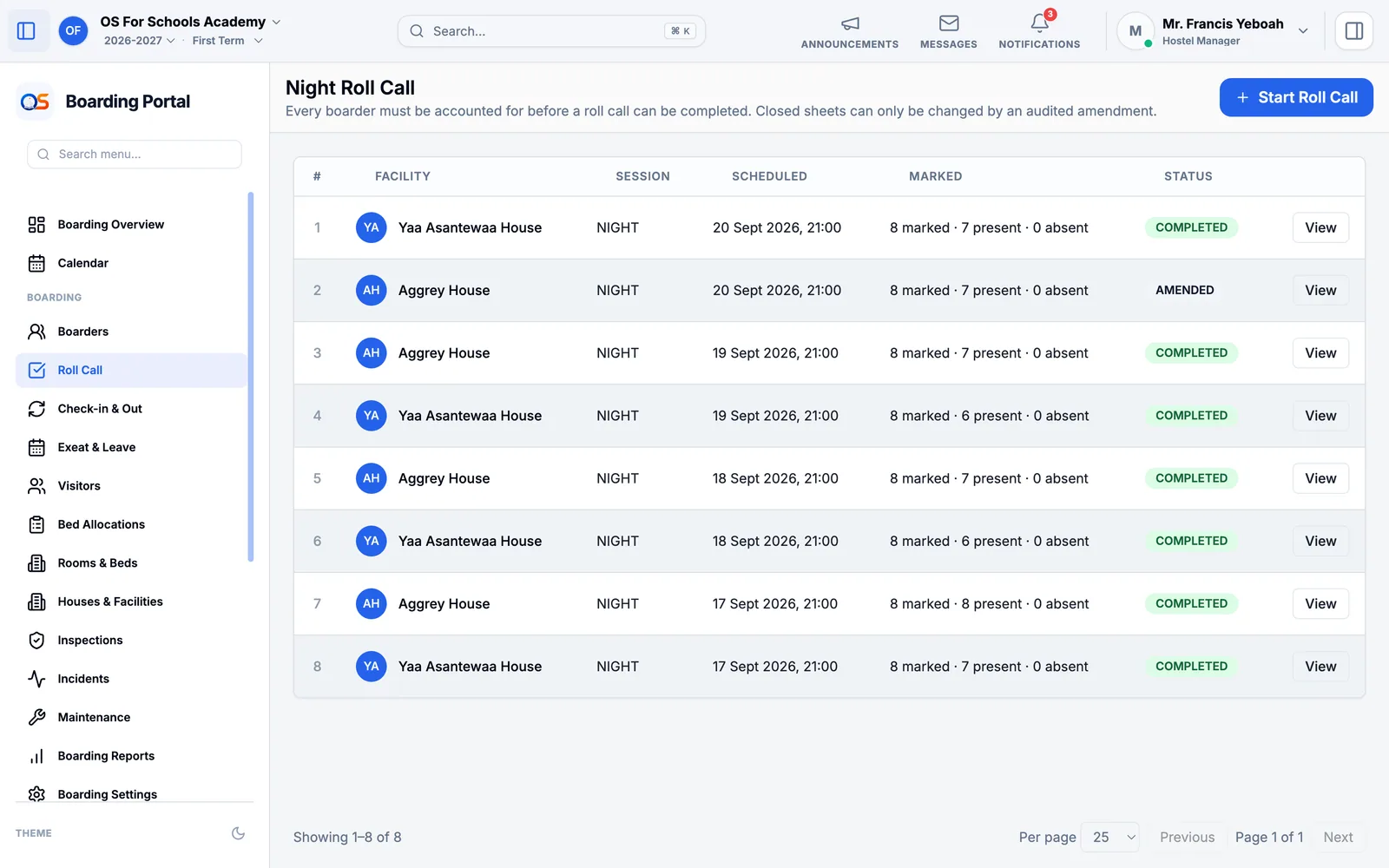
Open Roll Call and press Start Roll Call for your house.
Mark each boarder present or absent. A boarder out on an approved exeat is shown as such.
Complete the roll call when every boarder is accounted for. Once closed, a mark can only be changed by an amendment, which is recorded with who made it and why.
Exeats, check-in and visitors
- Exeat & Leave
- A boarder asks to go home or out; the house approves it with the dates. When they leave and return, it is recorded here — and a boarder still out after their return time is flagged.
- Check-in & Out
- Boarders arriving at the start of term and leaving at the end, with the items they were issued, such as a mattress or a locker key.
- Visitors
- Everyone who visits a boarder: who, whom they came to see, and when they came and went — or that they were turned away.
- Bed Allocations
- Which bed each boarder sleeps in, and the waiting list for a place.
Incidents, inspections and repairs
Record anything that happens in the house under Incidents. A safeguarding matter is marked as such and seen only by those who must see it. Inspections keeps the house checks, and Maintenance the repairs — a broken bed is taken out of use until it is fixed.